Part 8 of 9 · 2 min read · Updated 1 October 2026
Sell an item from your collection
Mark a public item For Sale and link it to your listing on eBay or any marketplace. It gets a For Sale tag in the feed, and when it's sold you remove it with its history kept.
How selling works
Lootero doesn't take payments or handle shipping. You list the item wherever you normally sell, such as eBay or a marketplace, and Lootero points collectors to that listing. Items marked for sale get a For Sale tag in the Collector's Feed and show up when people tap the For sale filter.
List an item for sale
- Make sure the item is public (see sharing your collection). For Sale Options stays greyed out on private items.
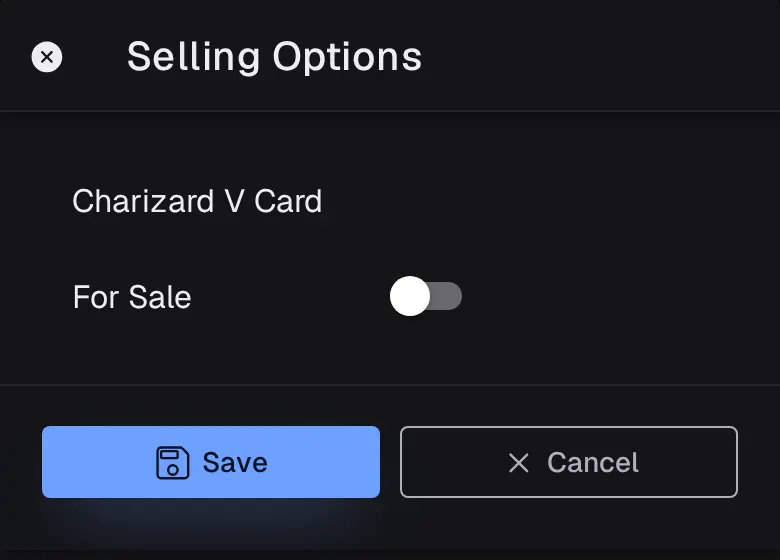
- Open the item, tap ⋮ and choose For Sale Options.
- Switch For Sale on and paste the link to your listing into Sale URL. A link is required.
- Tap Save.
Collectors who tap the For Sale tag, or View Listing on the item's page, go straight to your listing.
When it sells
Switch For Sale off, then Remove the item from your collection. It moves to Removed with its photos and history, so your records stay complete. See organising your items.