Part 6 of 9 · 3 min read · Updated 1 October 2026
The Collector's Feed, favourites and messages
The Feed is everything other collectors have chosen to share. Filter it by theme or For sale, tap the heart to save things to Favourites, and message a collector directly.
Browse the feed
The Feed tab shows items other collectors have made public, newest first. Each card shows who collected it, its theme and when it was shared, the photo, its like count and a short description. Your own items don't appear in your feed.
- Search the feed by name with the bar at the top.
- Sort by Newest, Oldest or Most liked.
- Theme chips filter to one theme, such as Coins & Currency. All themes lists every one.
- For sale shows only items their owners are selling. Tap an item's For Sale tag to open the listing.
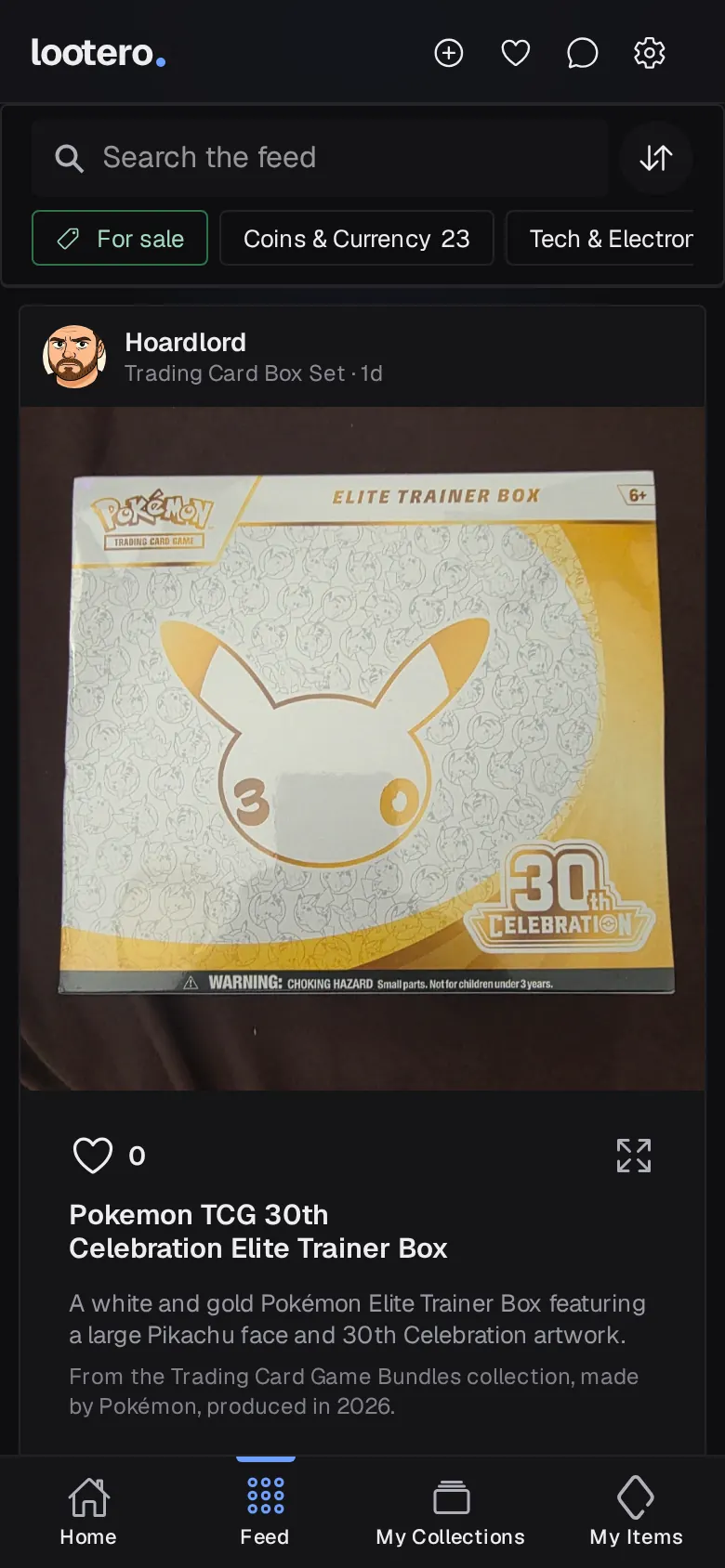
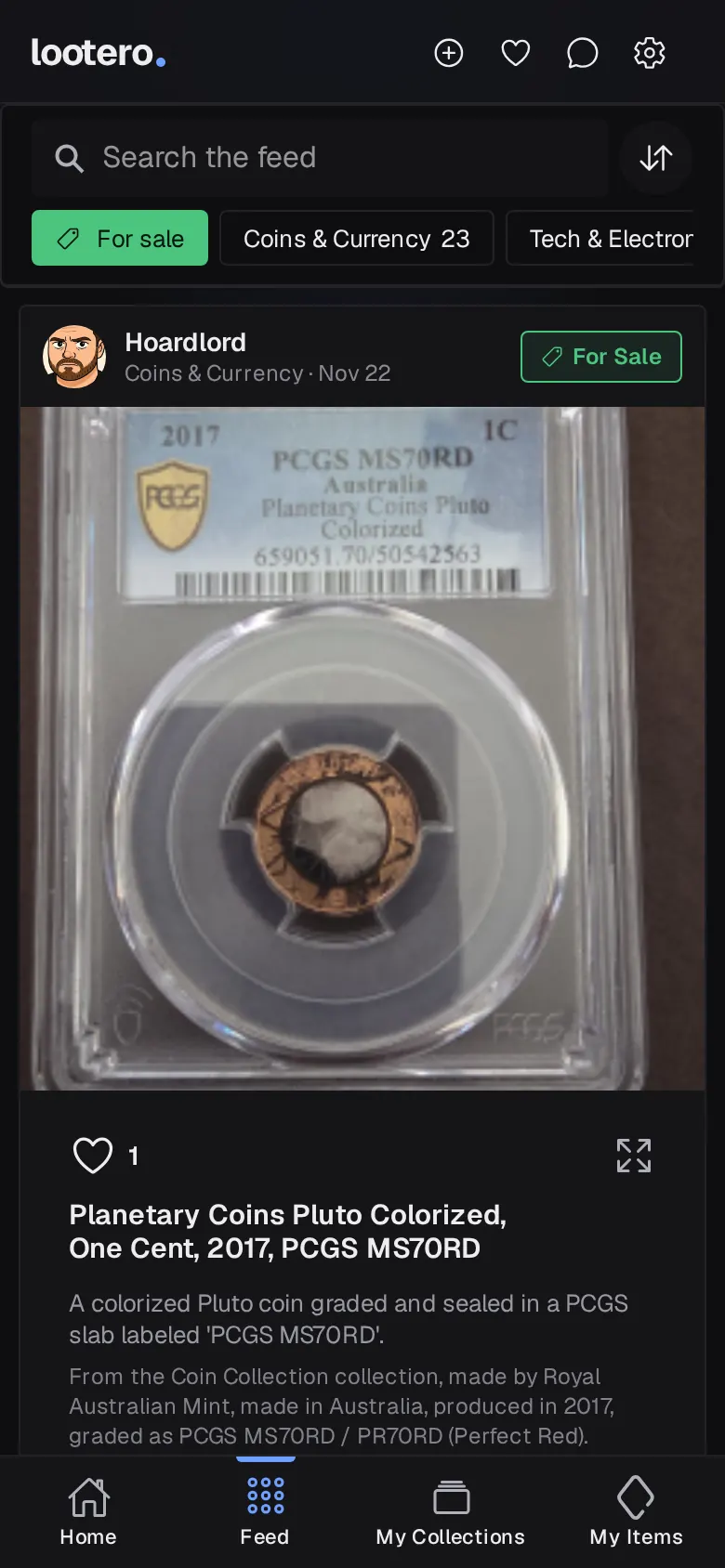
Like items and keep your favourites
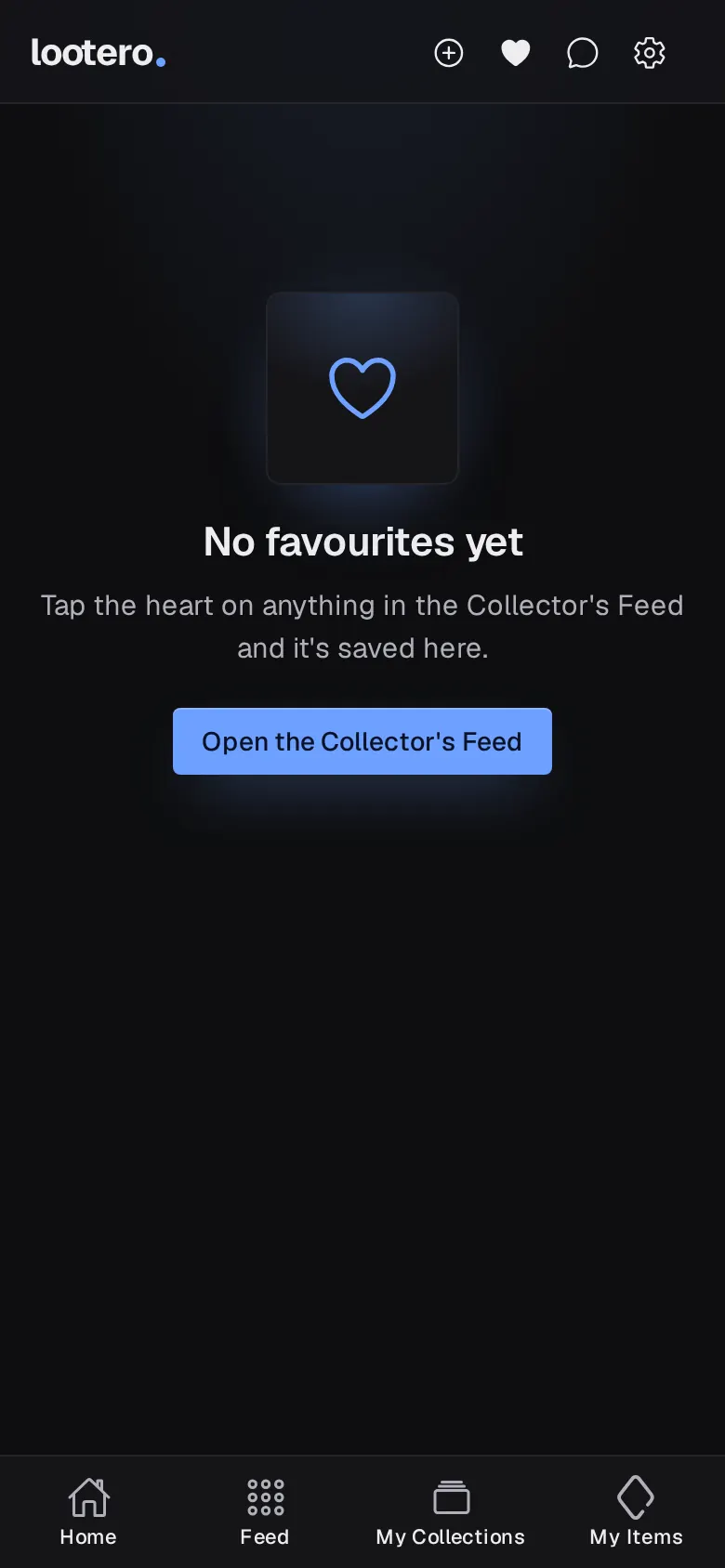
Tap the heart on anything in the feed to like it. The owner can get a notification, and the item is saved to your Favourites: tap ♡ at the top of any screen to see them all. Tap the heart again to remove one. Tap a card, or its expand icon, to see the item's full details.
Visit a collector and send a message
Tap a collector's name or picture to open their page: their public items and collections, how long they've been collecting, and a Message button. Your conversations live in Messages (the speech bubble at the top), which fills in when there's something new.
Messages is also where Lootbot tells you about new valuations. In any conversation, the options menu lets you view the collector's collection, report the conversation, block the collector or remove it from your inbox.