The beginner's guide to Lootero
Everything you need to catalogue your collection, see what it’s worth and show it off, in 9 short parts with screenshots from the app. About 31 minutes from start to finish.
What is Lootero?
Lootero is a free app for collectors. Whether you collect coins, trading cards, watches, sneakers, whisky, comics or something only you collect, it gives every piece a home: a photo, its details, what you paid and what it’s worth now. Lootbot, the built-in AI assistant, reads your photos to fill in details and re-checks values every month. When you want to, you can share items in the Collector’s Feed or send anyone a link.
It runs on iPhone, Android and in your browser at app.lootero.com, with your collection in sync between them.
Part 1 · 4 min read
Getting started with Lootero
Get the app (or use it in your browser), create a free account, and learn what lives on the Home screen and in each of the four tabs.
Read part 1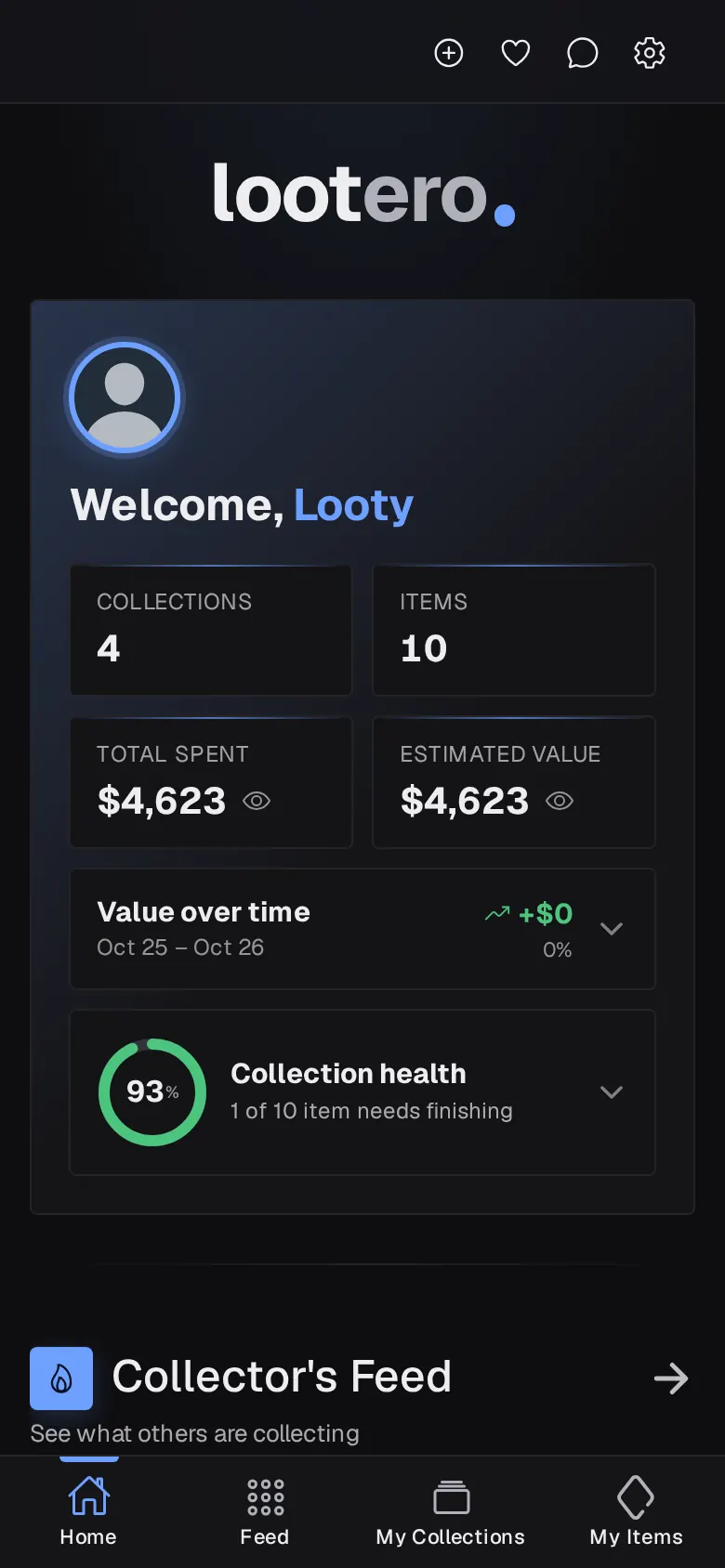
Part 2 · 3 min read
How to create a collection
Collections are the shelves your items sit on: one for coins, one for cards, one for watches. Make one, give it a type and a cover photo, and watch its value add up.
Read part 2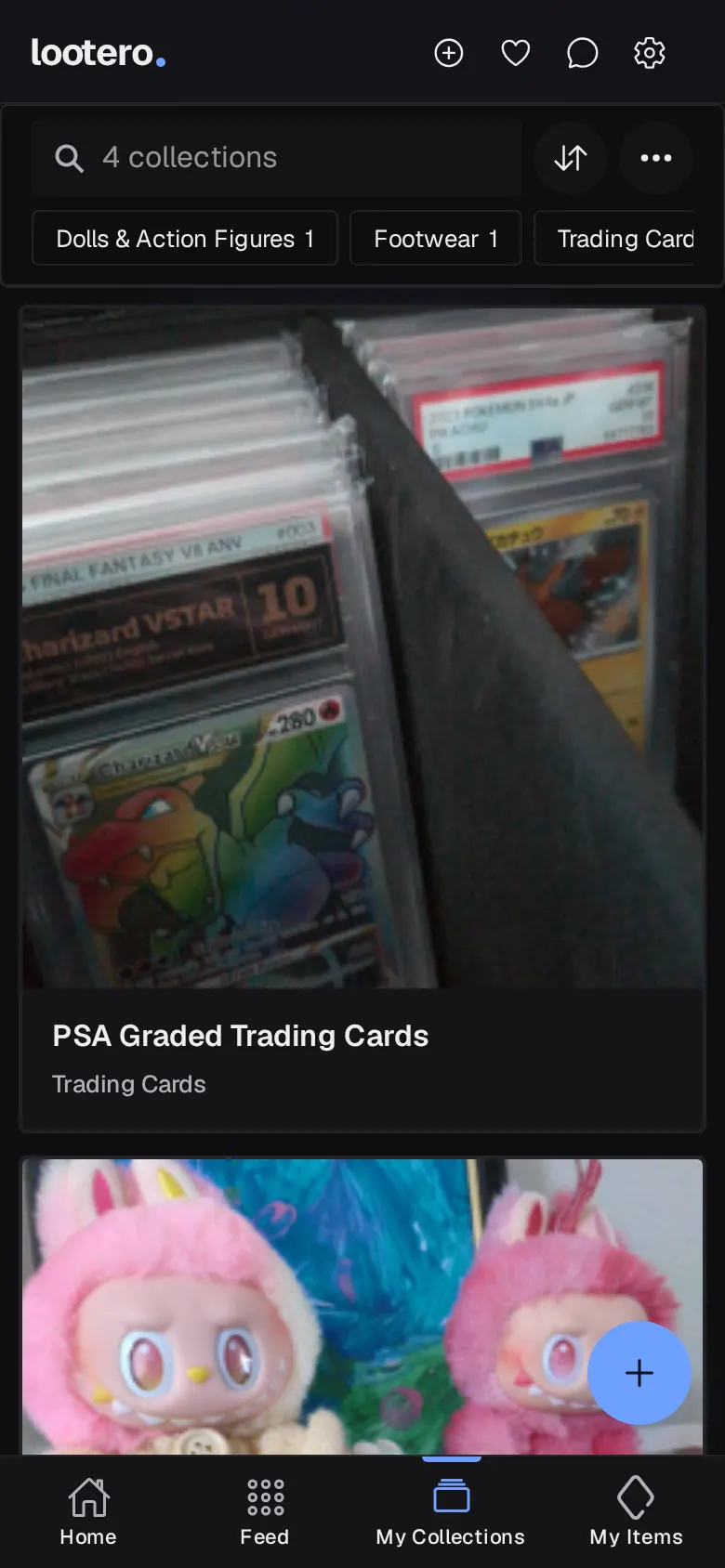
Part 3 · 5 min read
How to add items with a photo
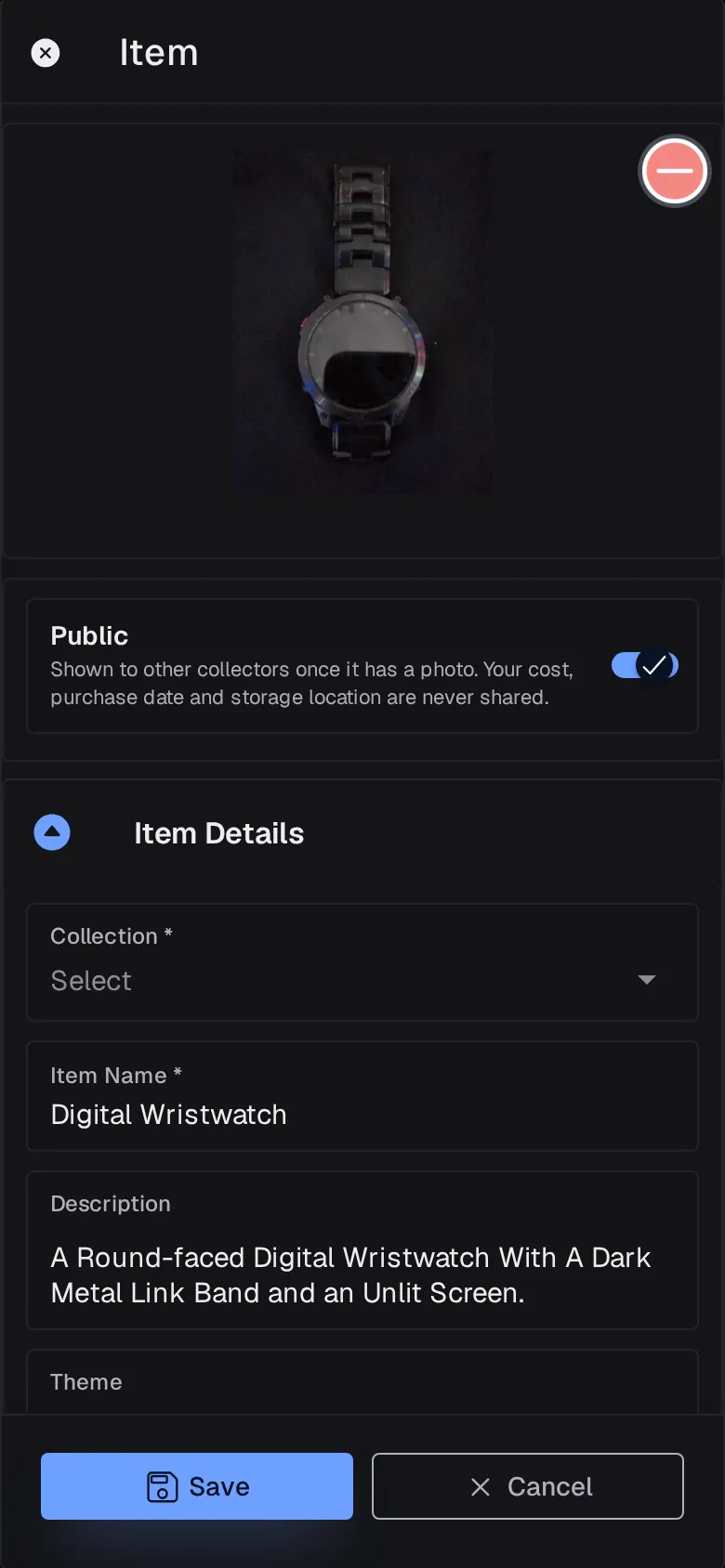
Snap or upload a photo and Lootbot reads it and fills in a name and description. Add the details collectors care about, plus what you paid, which always stays private.
- Start a new item
- Add a photo and let Lootbot read it
- Fill in the item details
- Storage & Value (always private)
- Public or private?
Part 4 · 4 min read
Organise, search and filter your items
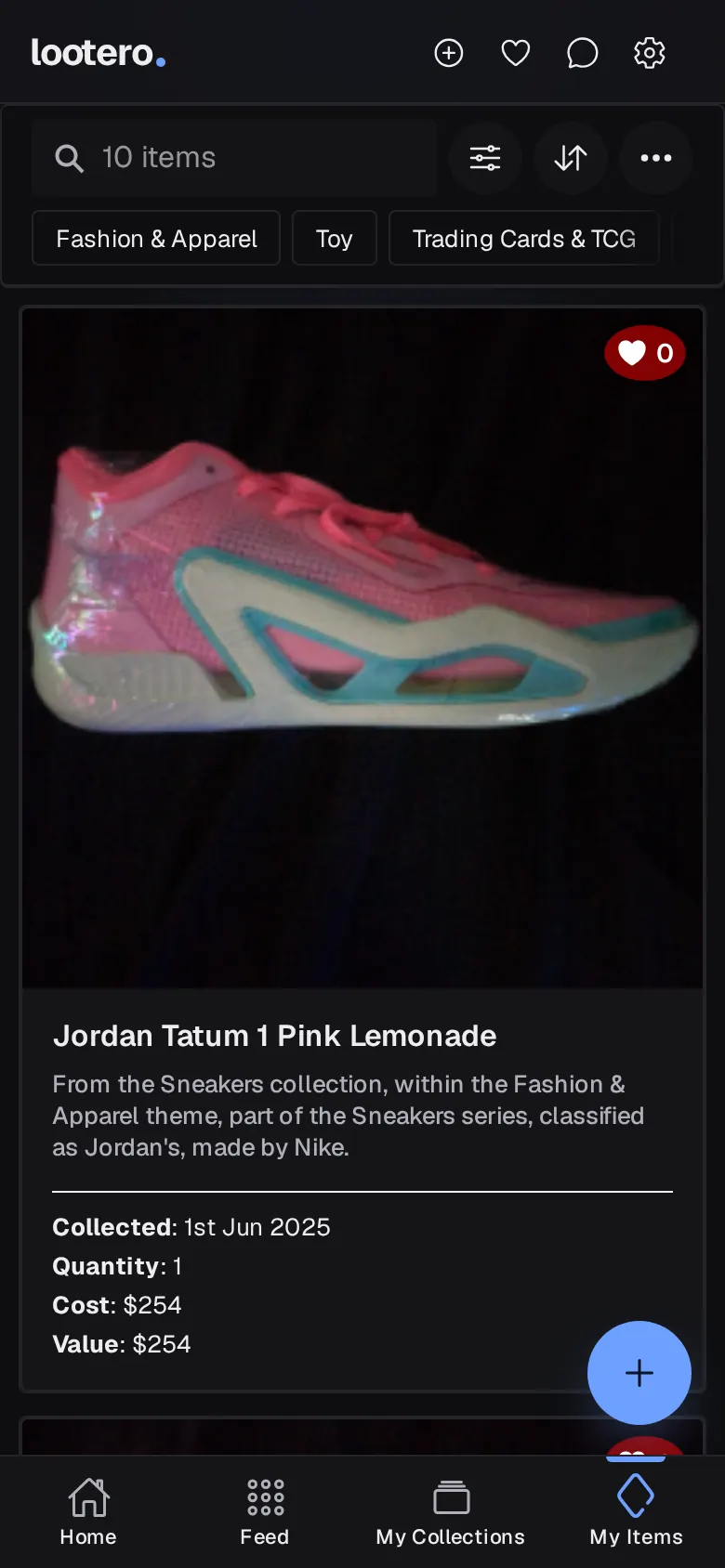
My Items shows everything you own in one place. Search it, sort it, filter it by theme, maker or rarity, and edit, clone, remove or restore items as your collection changes.
- Everything in one place
- Search, sort and filter
- Open an item
- Edit, clone, remove or delete
- Removed items are never lost
Part 5 · 4 min read
Track what your collection is worth
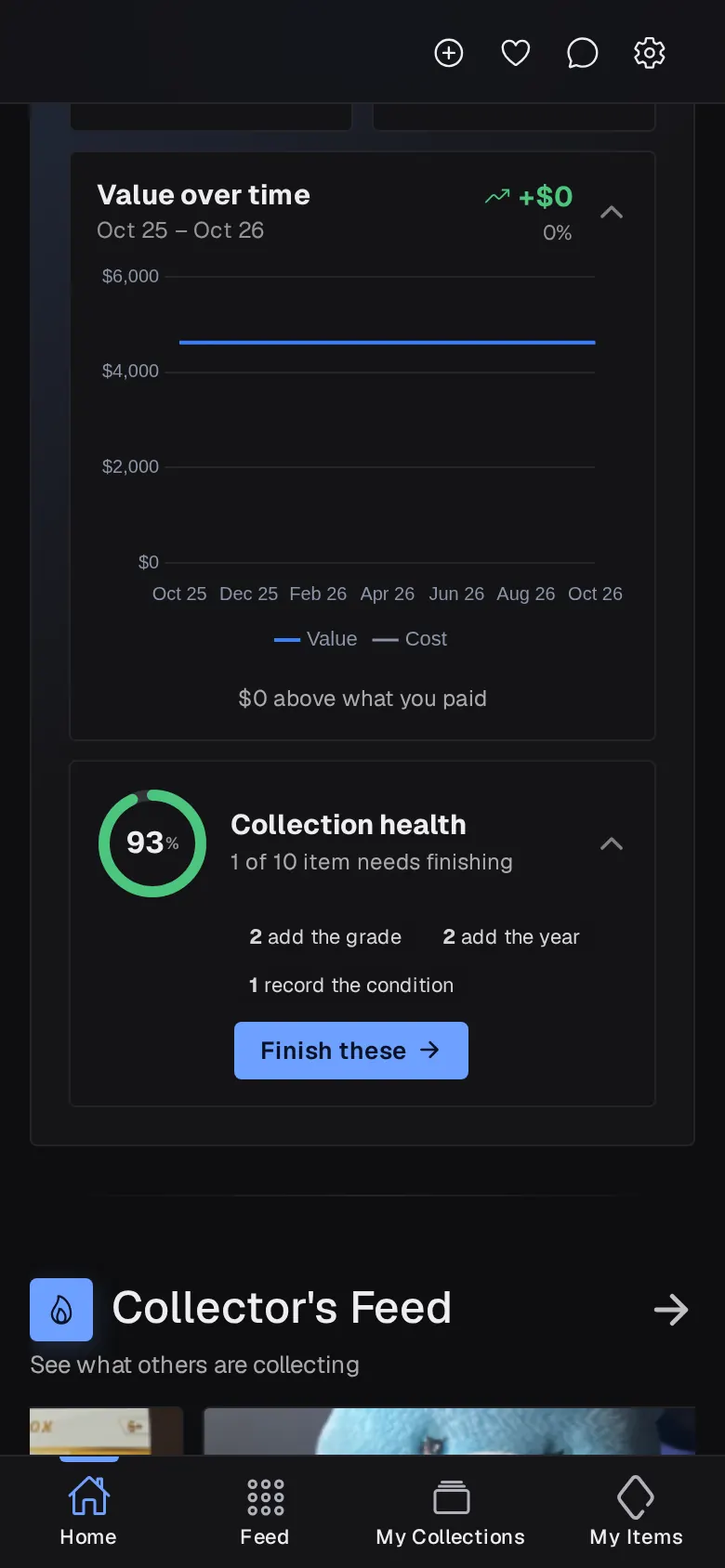
Lootbot estimates what your items are worth and checks again every month. Follow your collection's value over time, see your profit, and use Collection health to fill in the gaps.
- What you paid and what it's worth
- How Lootbot values your items
- Value over time
- Collection health
- Your Collection Records
Part 6 · 3 min read
The Collector's Feed, favourites and messages
The Feed is everything other collectors have chosen to share. Filter it by theme or For sale, tap the heart to save things to Favourites, and message a collector directly.
Read part 6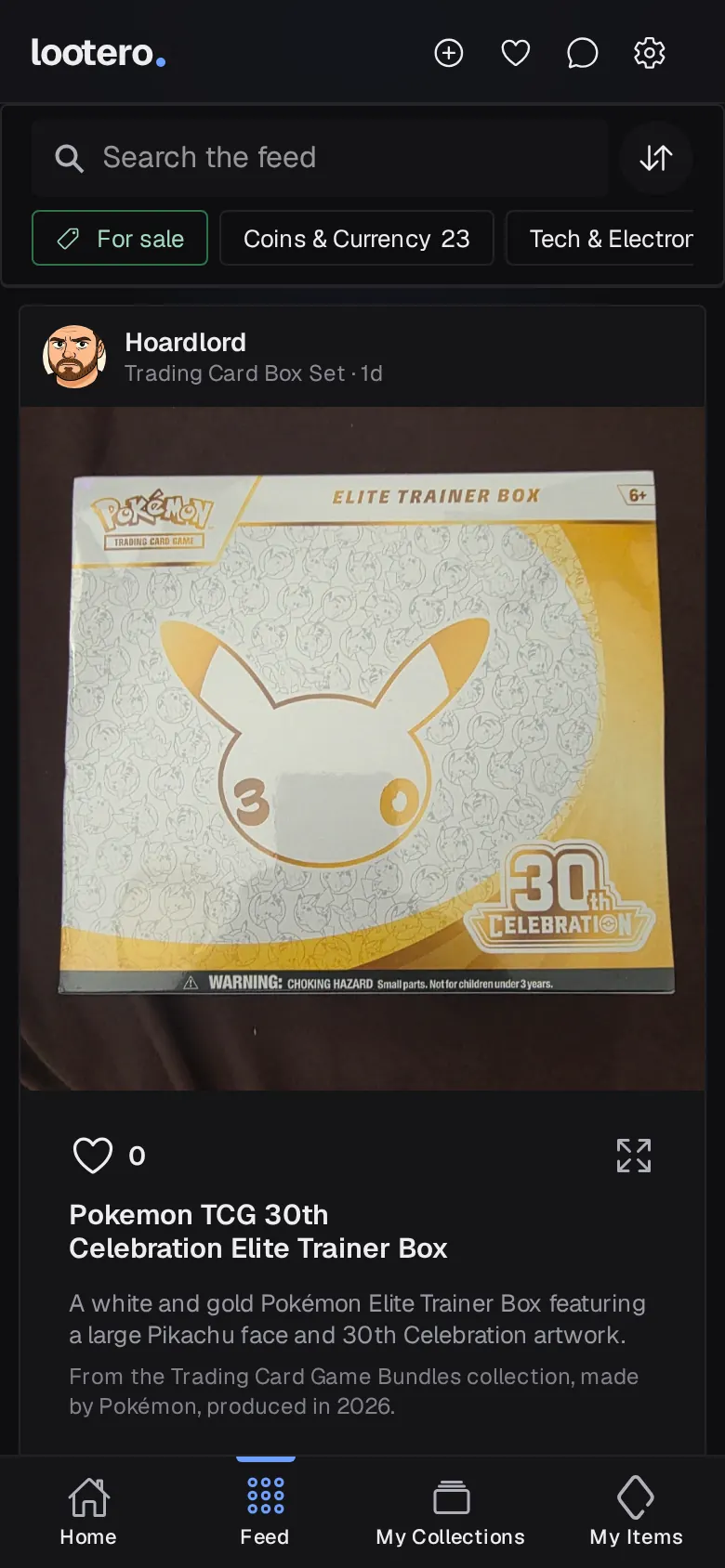
Part 7 · 3 min read
Share your collection and items
Make items public to show them in the Collector's Feed, or send anyone a link to a single item or a whole collection. Your cost, dates and storage locations always stay private.
Read part 7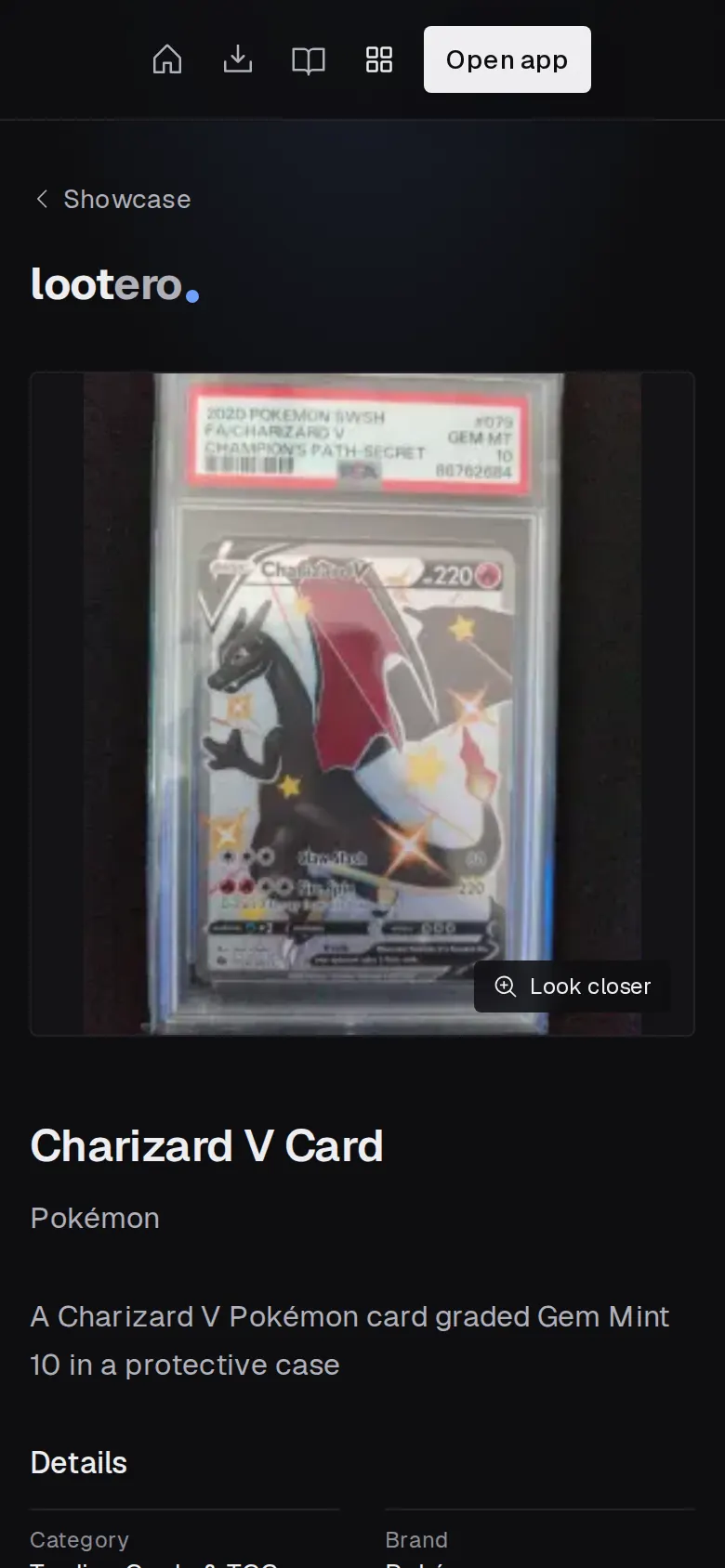
Part 8 · 2 min read
Sell an item from your collection
Mark a public item For Sale and link it to your listing on eBay or any marketplace. It gets a For Sale tag in the feed, and when it's sold you remove it with its history kept.
Read part 8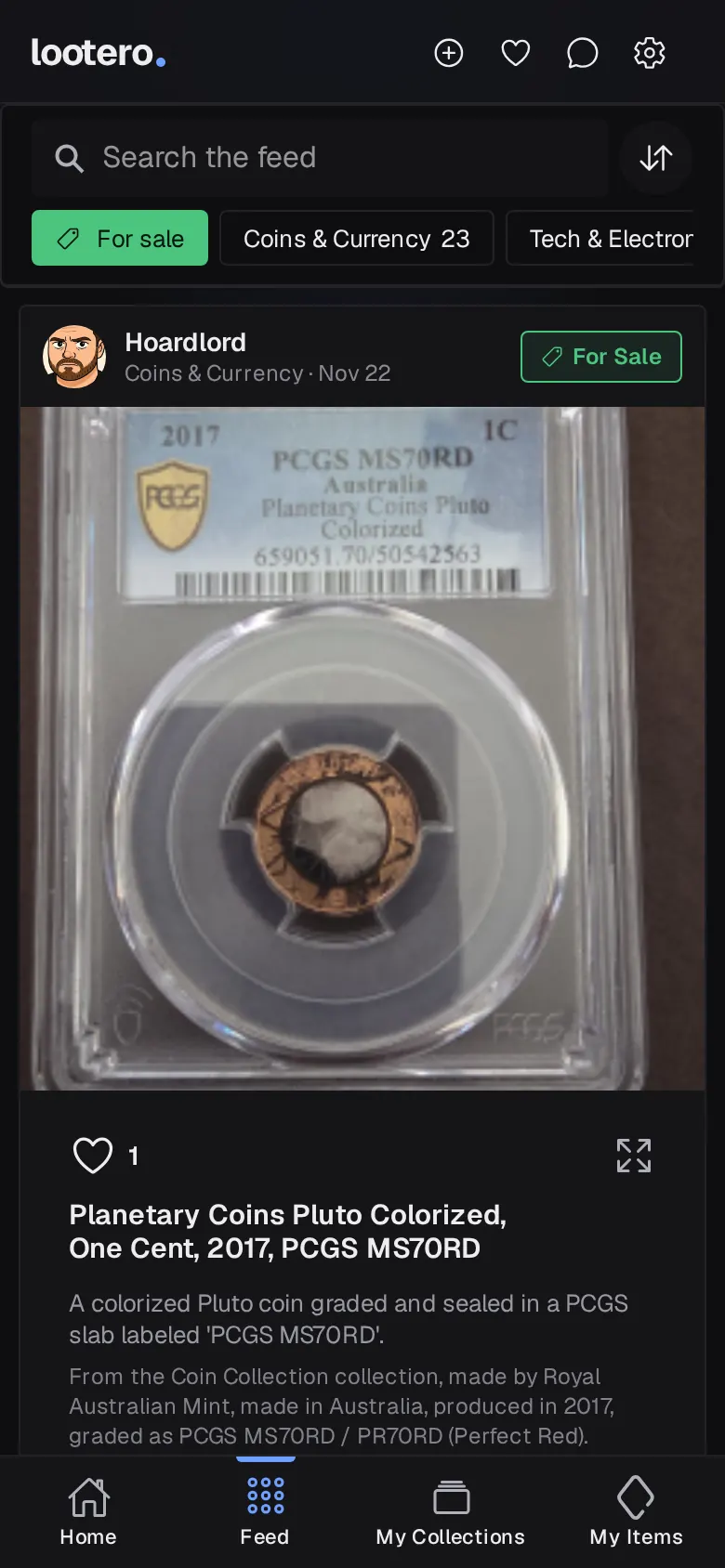
Part 9 · 3 min read
Settings, credits and themes
Credits are what new items and collections use, and reward videos top them up. Settings is also where you pick one of five themes, turn on photo scanning and choose your notifications.
Read part 9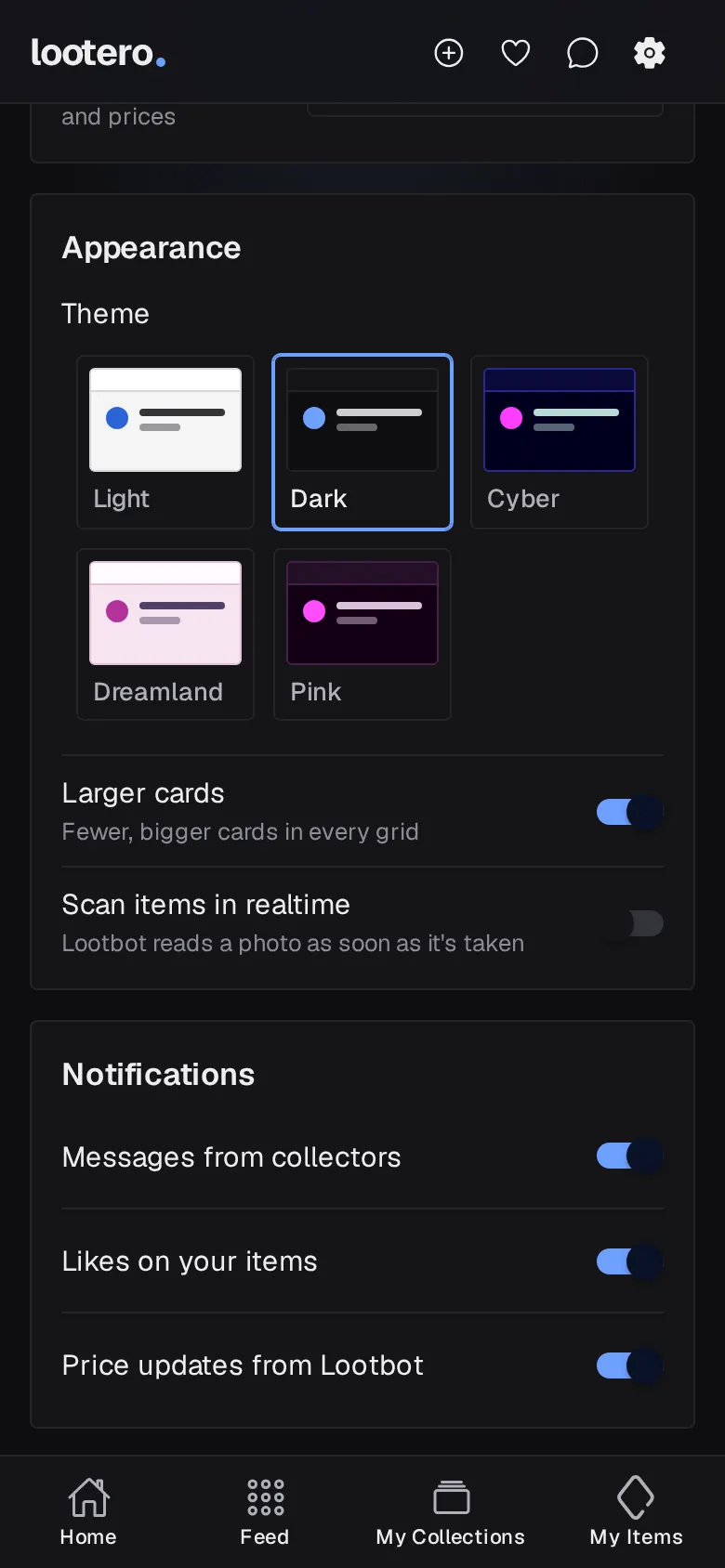
Frequently asked questions
Is Lootero free?
Yes. Lootero is free to download and use. New items and collections use credits, and you can top them up for free by watching a short reward video in the iPhone or Android app.
Can I use Lootero on a computer?
Yes. Open app.lootero.com in any modern browser and sign in with the same account you use on your phone. Your collection stays in sync between devices.
Who can see my collection?
Only you, unless you choose to share. Items you make public appear in the Collector's Feed and can be shared with a link, but your cost, purchase date, storage location and values are never shown to anyone else.
How does Lootero work out what my items are worth?
Lootbot, Lootero's AI assistant, estimates each item's value from its photo, its details and market prices, and checks again every month. You can also enter your own value, or turn AI values off for any item.
Can I sell items through Lootero?
Lootero doesn't handle payments. You list the item wherever you normally sell and add the listing link in Lootero, and collectors in the feed can click through to it.
What happens when I remove an item?
Removed items move to the Removed list with their photos and history kept, and you can restore them at any time. Deleting an item is the only way to erase it for good.
Ready to start your first collection?
It’s free, and you can be adding items in under five minutes.